Here are some common problems.
I do not hear anything. No one hears me.
This is almost always either the bluetooth headset is not paired, or it is not powered up.
See 01 Gear Up and Power On and 04 Pair Your Bluetooth Headset.
I hear strange voices that do not relate to anything on my beltpack. When I talk no one hears me.
The beltpack you have is paired to a headset that is on someone else’s head. To check this, turn off the headset on your head.
The Bluetooth icon on the display should look like this.
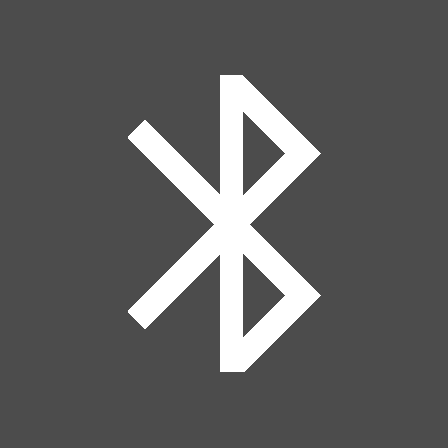
If it looks like this
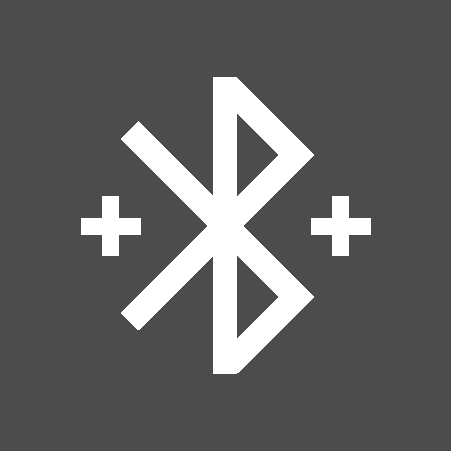
the headset connected to your beltpack is not the one on your head.
- Compare the number p-touched on your headset to your beltpack number. If they match, go ahead and re-pair the headset you have to the beltpack, deleting the current pairing. If the numbers do not match, find the correct headset for your beltpack.
”Stand Alone License Not Found”
This is a rare problem with the Bolero software. There is a capacitor in the antenna that keeps the internal clock running when the system is powered down. Occasionally it loses its charge. When this happens the clock resets to a time before the Stand Alone license is valid. To solve this, you need to connect to the web interface and reset the internal clock.
Red screen
Beltpack won’t connect to network
Keys not working as expected
These types of problems are fixed by doing a factory reset of the beltpack and then re-registering it on the network.
Factory Reset Procedure
- Hold the MENU key until the menu appears.
- Navigate to SERVICE>RESET>FACTORY RESET
- Push the MENU button to activate the reset.
- The screen will now read “Not Registered.”
Re-Registering
- Once the beltpack has reset, hold the NFC symbol on the front of beltpack up to the matching NFC symbol on the front of the Antenna with the SA (standalone) license.
- It will vibrate to indicate that it has registered.
- The beltpack should now be registered to the network with the last profile it was using.