Know Your Buttons
Reply Key
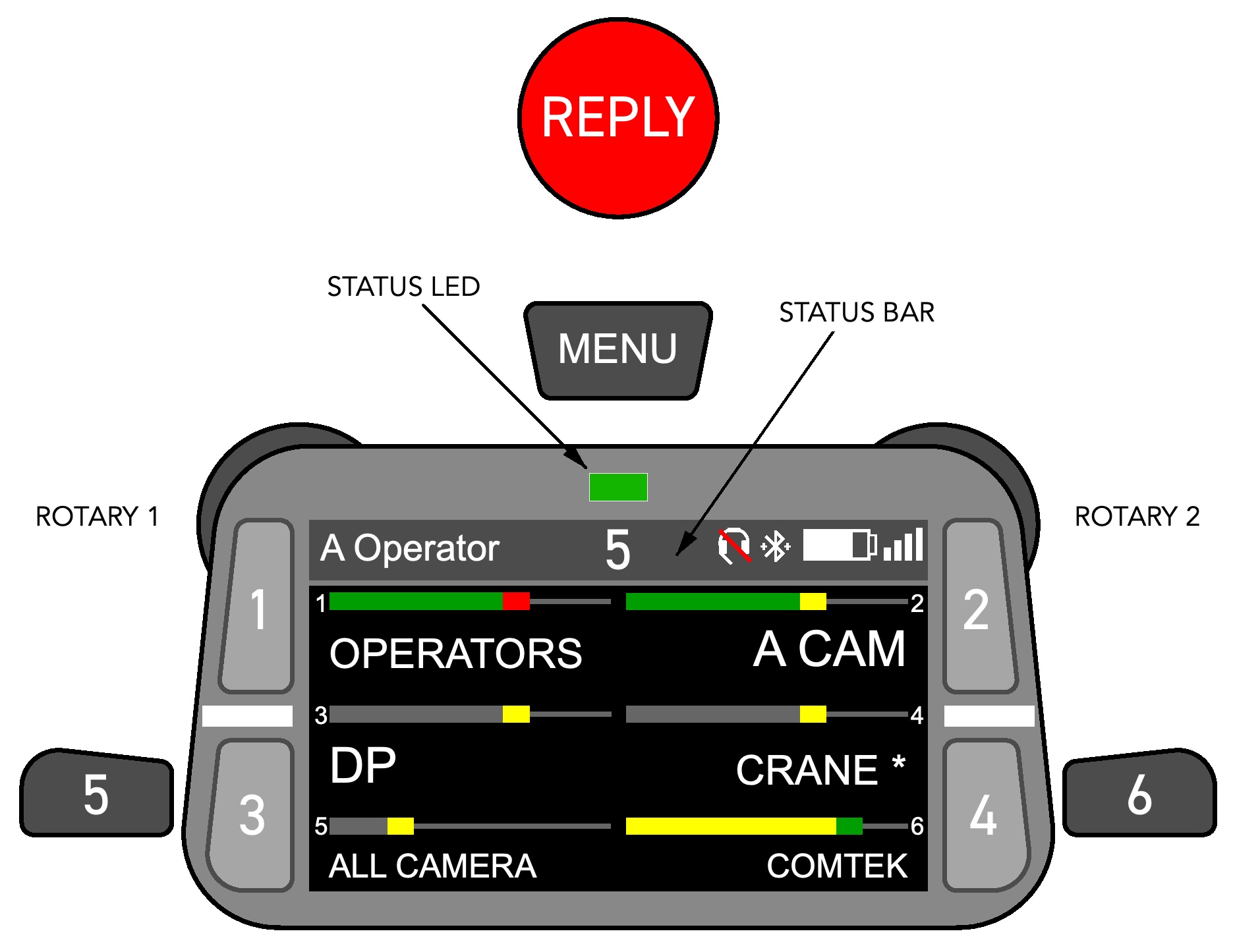
The Reply key is the round red key on the front of the beltpack. Pressing it connects directly to the last beltpack that you heard. Get in the habit of using this as your default means to respond to someone who calls you on a party line. It is the best way to keep chatter to a minimum for other crew members.
Menu Key
Has three functions depending on how long you press.
| Menu Key Hold Time | Function |
|---|---|
| Short-Press (< 0.5 sec) | Volume Management |
| Medium-Press (0.5–3 sec) | Quick Menu |
| Long-Press (> 3 sec) | Main Menu |
Keys 1 – 6
These connect to the channels indicated on the display.
Most keys are set for momentary operation. On Operator, Dolly, and Crane beltpacks, the camera-specific PL and CRANE keys are set to auto operation.
Keys 5 and 6 are located on the side of the beltpack.
Rotary Encoders
Rotary 1 controls the overall headset volume. Rotary 2 will control either the Comtek channel or the Walkie channel, depending on the beltpack profile.
Status LED
| LED Color | Meaning |
|---|---|
| Green | Beltpack ready |
| Orange | Mic is open |
| Red | Booting up, out of range, or low battery |
Status Bar
| Status Bar | Icon | Meaning |
|---|---|---|
| Beltpack Name |  | Name assigned to beltpack. Not unique. |
| Beltpack ID |  | Unique number assigned to beltpack. |
| Silent Mode |  | Beltpacks can be used as “open” walkies. This indicates that feature is disabled. This is normal. |
| Headset Not Connected | 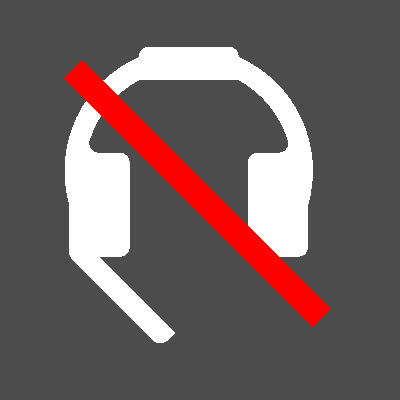 | Indicates that a hardwired headset is not connected to the XLR connector on the bottom of the beltpack. Seeing this is normal when using a Bluetooth headset. |
| Bluetooth Headset Paired | 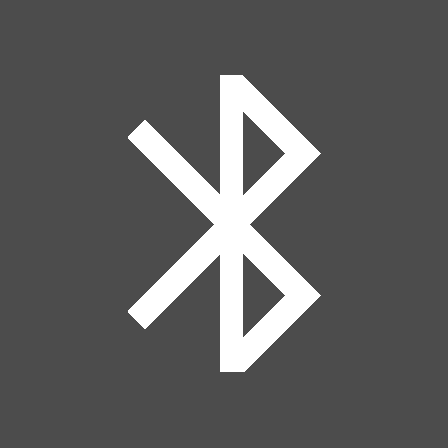 | There is a Bluetooth headset paired, but not connected. |
| Bluetooth Headset Connected | 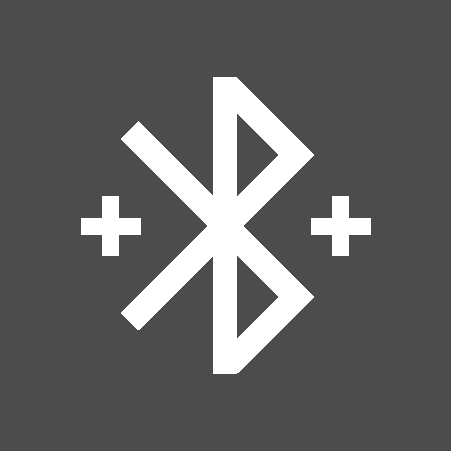 | A Bluetooth headset is connected. |
| Battery Status |  | You know what this means. |
| Radio Level |  | This, too. |
Level Meter Display
The position of the small yellow or red block indicates the volume setting. Farther to the right is louder.
The color of the level meter bar indicates the status of the channel:
- When anyone is talking the bar turns from grey to green.
- When you are the one who is talking the block turns red.
| Status | Level Meter |
|---|---|
| No one is talking |  |
| Someone else is talking |  |
| You are talking |  |
| Next | |
| 03 Volume Adjustment and Quick Mute |